
Mac OS X and DHCP is screwing your Host Name
I’m using Mac OS X with iterm2, oh-my-zsh and spend 75% of my time in those terminals. It is totally annoying to me if I connect to a DHCP network and it screws up my hostname. Especially when I’m used to looking at the prompt which tells me the host I’m connected to.
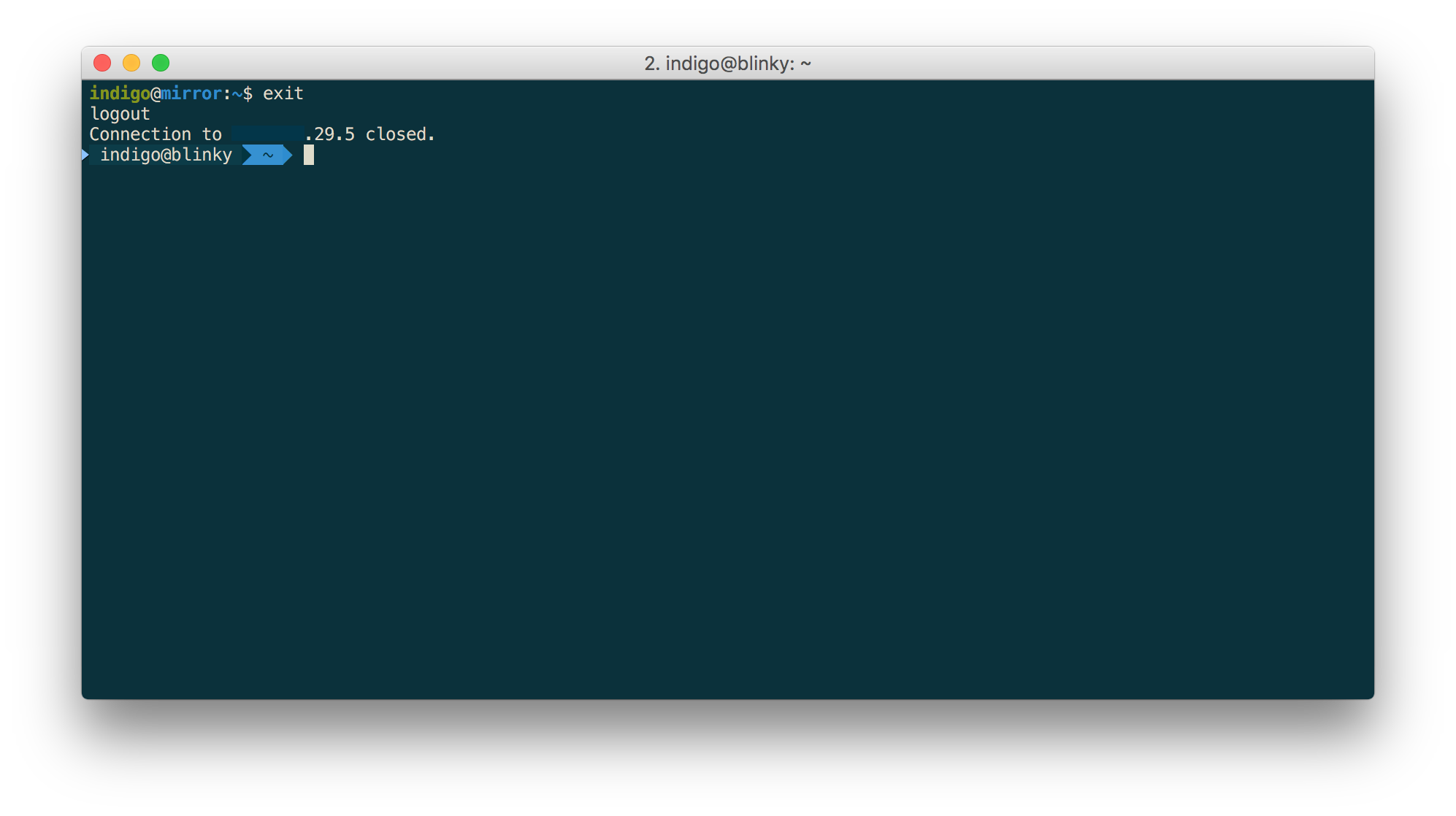
It is possible to fix your computer name for several things using the scutil command which requires administration permissions.
I’ve found a link to the Mac OS X Server Worksheet which explains a few things in more detail.
Here is what I did to prevent my computer changing the host name.
User Friendly Name, showed in Sharing Preference Panel
sudo scutil --set ComputerName blinky
SSH and Remote login
sudo scutil --set HostName blinky
Name for Bonjour, e.g. Airdrop
sudo scutil --set LocalHostName blinky
In hope this helps and hope I’ll find the page again when I forgot how to do it :)